UI/UX Design
Interfaces people understand straight away
Wireframes, prototypes and a design system — validated before the first line of code.
Why it matters
UI/UX Design for Applications and Websites
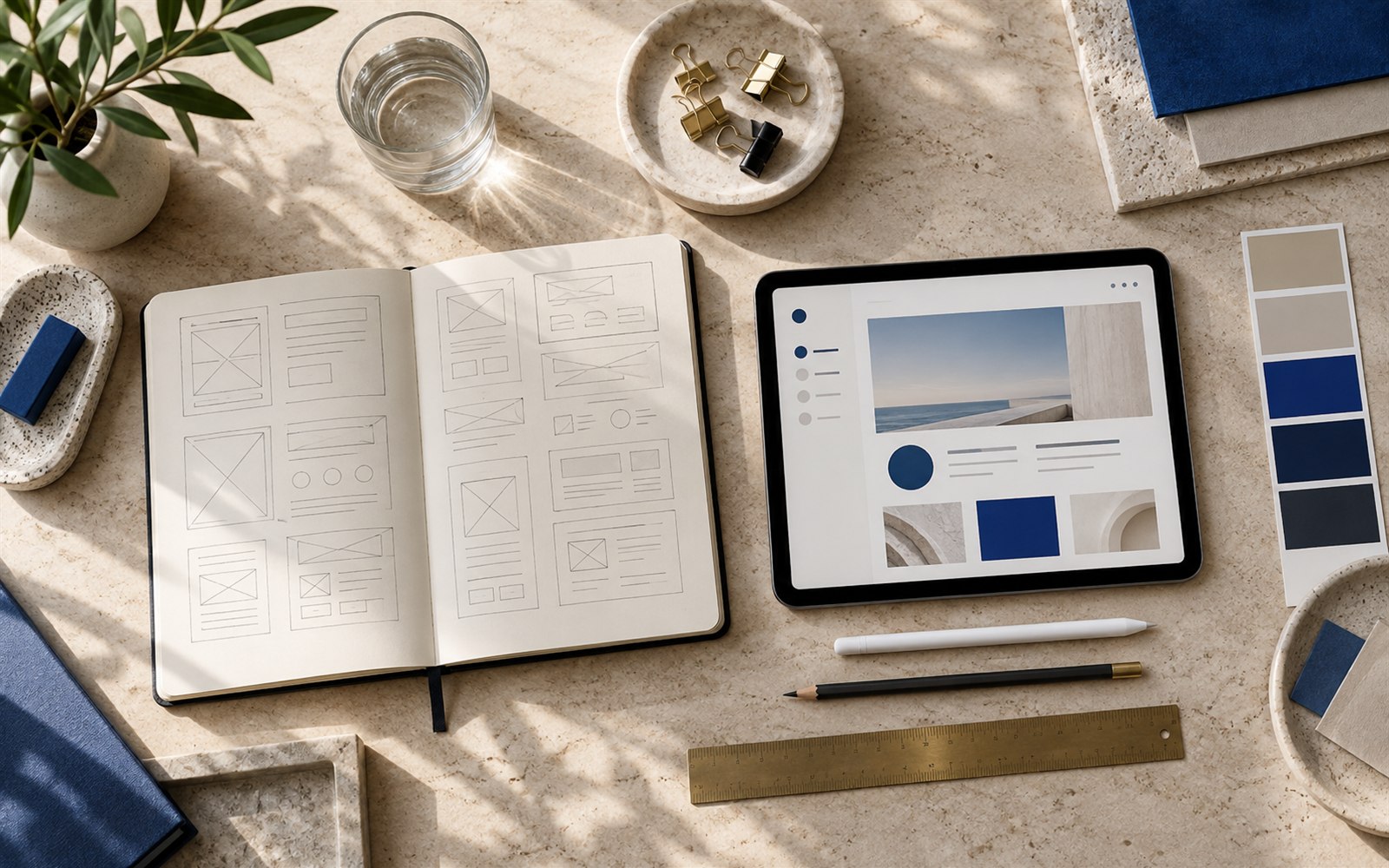
The most expensive mistake in a software project is building the wrong screen. That is why we draw first: wireframe, then navigable prototype, then the final interface. You see the product and can criticise it before changes cost days of programming.
You see the product and can criticise it before changes cost days of programming.
What we build
A solution built around your process
- Wireframes and screen structure
- Interactive prototypes, navigable before development
- UI design for web and mobile applications
- Design system: colours, typography, reusable components
- Responsive design, thought through separately for desktop, tablet and phone
- Accessibility in line with the WCAG guidelines
- Visual identity: logo, palette, application across materials
Who it's for
- Teams with a product idea that want to see it before building it
- Existing applications users complain are hard to use
- Companies that want visual consistency across several products
How we work
Clear steps from idea to launch
-
01
Discover
We understand the objective, audience, content and constraints of the project.
-
02
Plan
We define the structure, priorities and technology suited to the outcome.
-
03
Build
We work in clear components, with visible feedback throughout.
-
04
Test
We check functionality, responsive behaviour, forms and the important details.
-
05
Launch
We launch the project and explain what you need to know to manage it.
Technologies
We choose tools based on the project
Interface
- FigmaThe tool we use to sketch and test the interface before development — wireframes, a clickable prototype and final design, all in one place.
- Design systemA documented set of colours, typography and reusable components that keeps the look consistent as the product grows.
- WCAG 2.1The international web accessibility guideline — we make sure the interface can also be used by people with disabilities.
- Tailwind CSSA styling system that keeps the design consistent across the whole site and shortens development time, without sacrificing a look of its own.
- ReactThe JavaScript library most modern interfaces are built on — fast, interactive screens that are easy to maintain long-term.
Frequently asked questions
What is worth knowing before we start
Can we take just the design, without development?
Yes. We deliver the design files and the specifications, and your team or another supplier can implement them. We do not tie design to development.
What does a navigable prototype look like?
It is a version you can open and tap: the screens link together like in a real application, except there is no logic behind them yet. Enough to test the flow with real people.
Do you do brand identity as well?
Yes — logo, palette, typography and their consistent application across product and materials. It matters most when the digital product is the customer's first contact with the brand.
What affects cost and how do I get a quote?
Cost depends on objectives, complexity, workload and existing systems. We define project scope and required external services before the final estimate.
What should I send for a project estimate?
Send your objective, existing website or application, requested changes and indicative budget. This helps us propose suitable next steps.
Do you work with businesses in Timișoara and other cities?
Marael Technology SRL is based in Sânmihaiu German, Timiș county, near Timișoara. We work remotely with businesses in Romania and the European Union, with direct communication with the development team.
Related services
We can cover the project end to end
The next step